Create Instagram Posts
for Your SaaS App
Every template in Frames is sized perfectly for Instagram's 1080×1080 post format. Drop in your screenshot, pick a backdrop, and post. No Canva, no Figma, no blank canvas.
Canvas size
1080 × 1080 px
Ratio
1:1
Export
PNG / JPG
Templates for Instagram
All sized at 1080×1080 by default
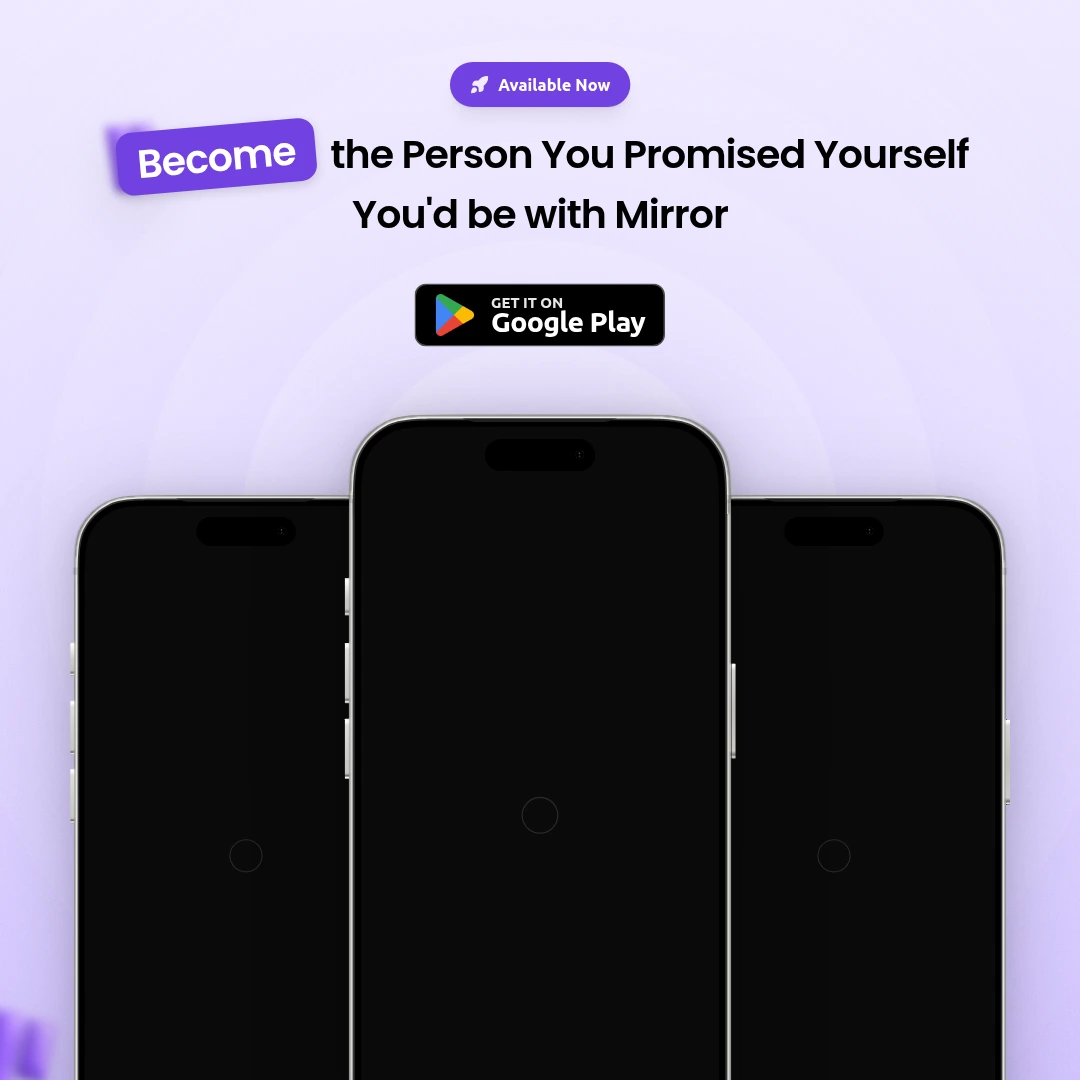
Launch Poster
Launch day announcement visual.
Use template
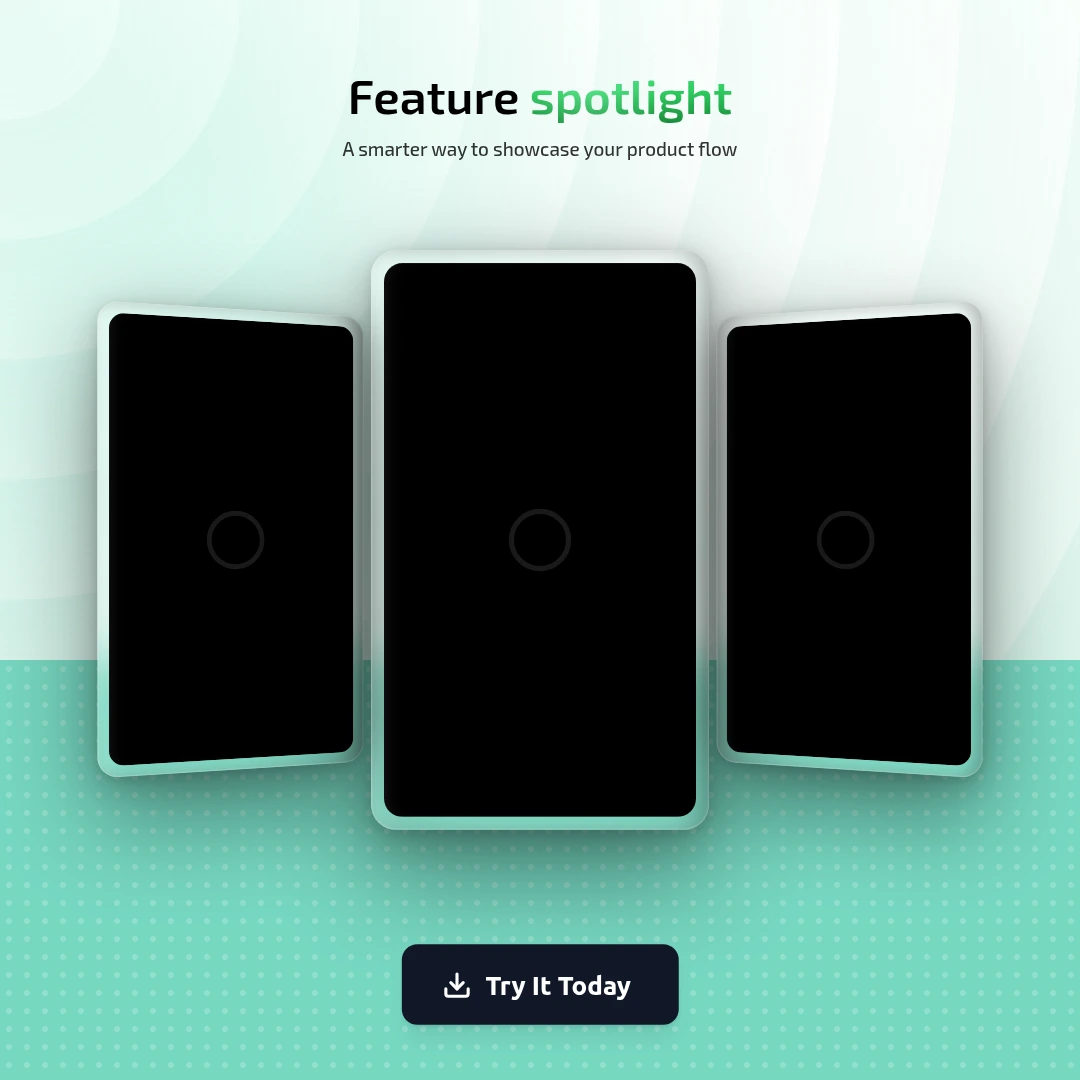
Feature Highlight
Spotlight one feature clearly.
Use template
Pro
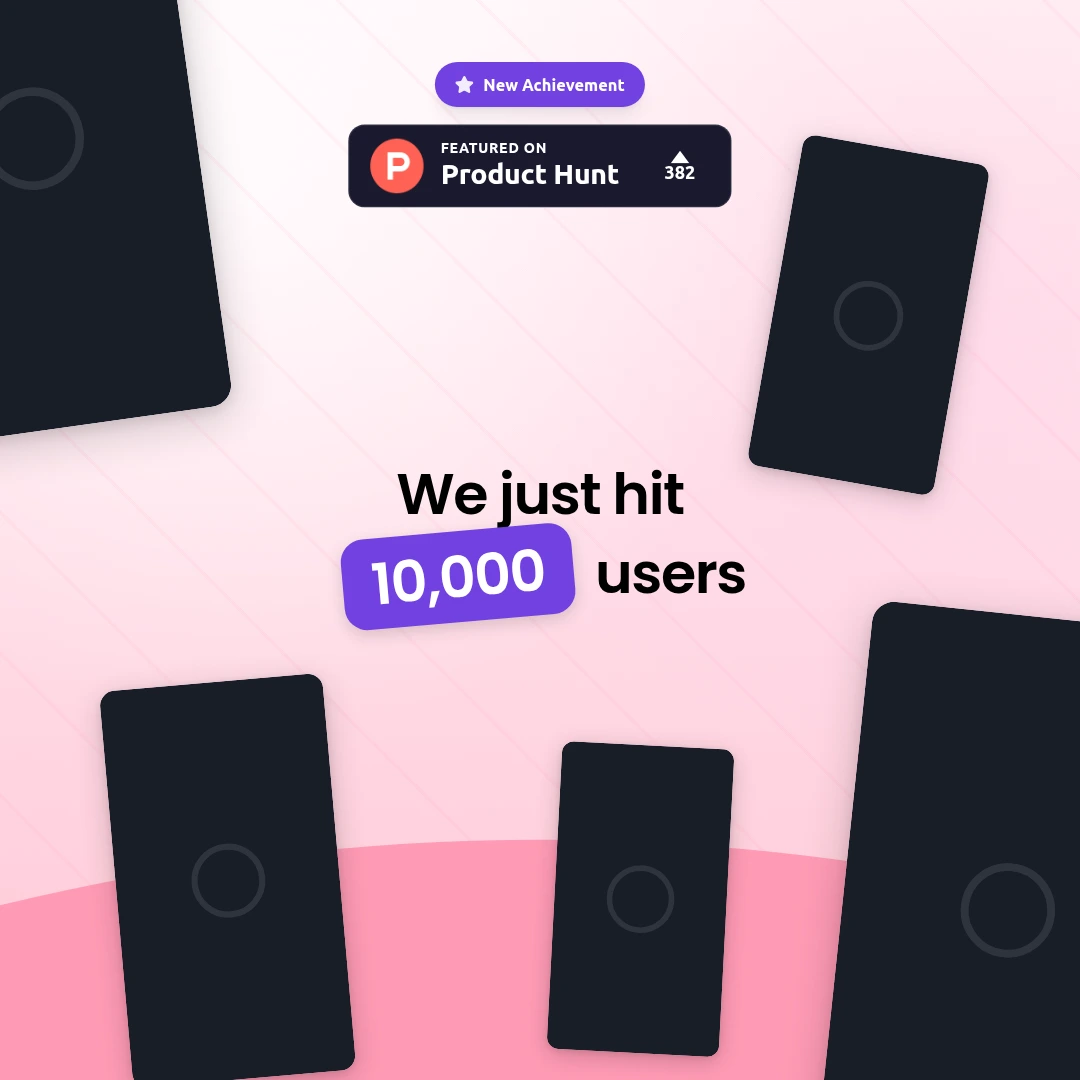
Milestone Celebration
Share user count or revenue milestones.
Use template
Pro
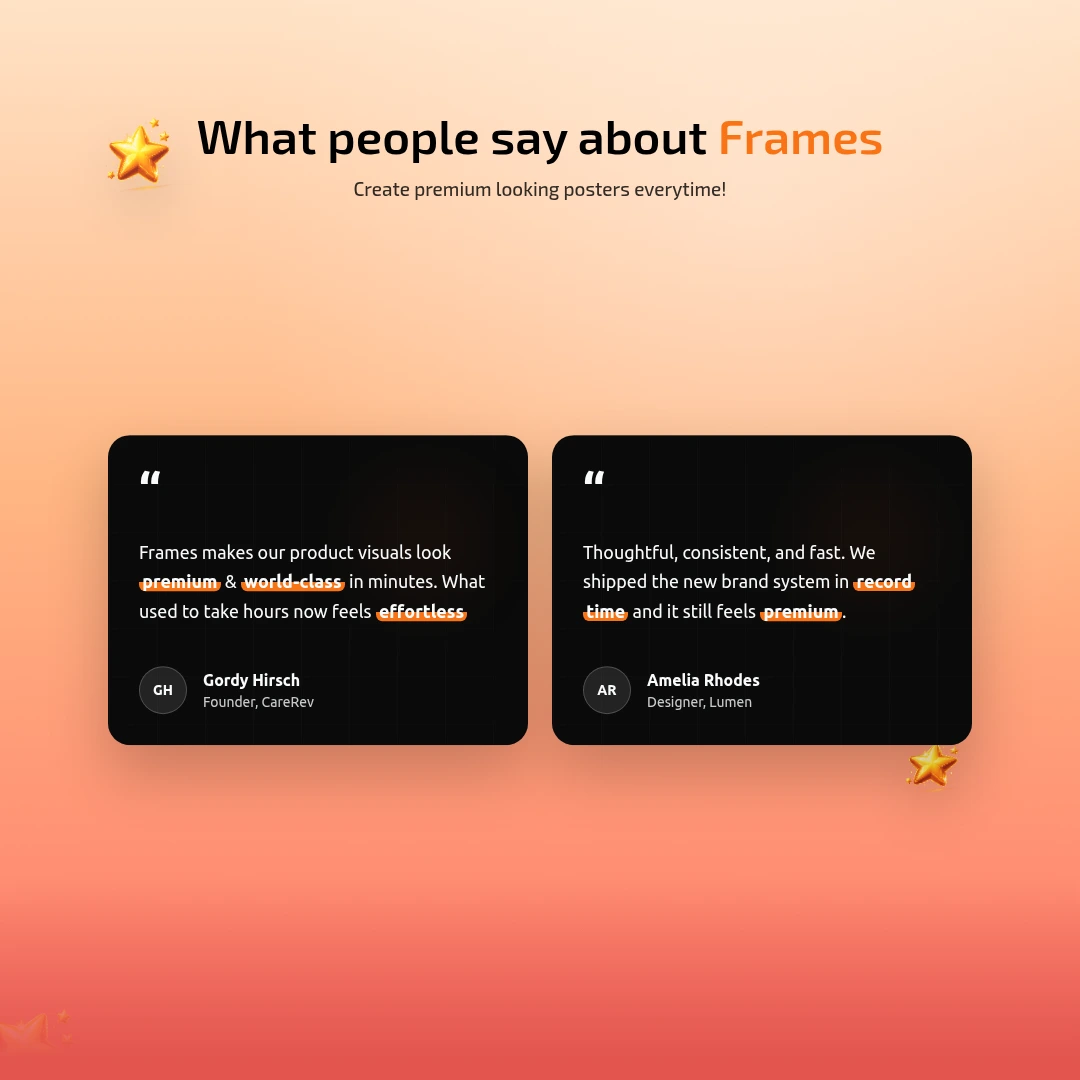
Testimonial
Share a customer review as a graphic.
Use template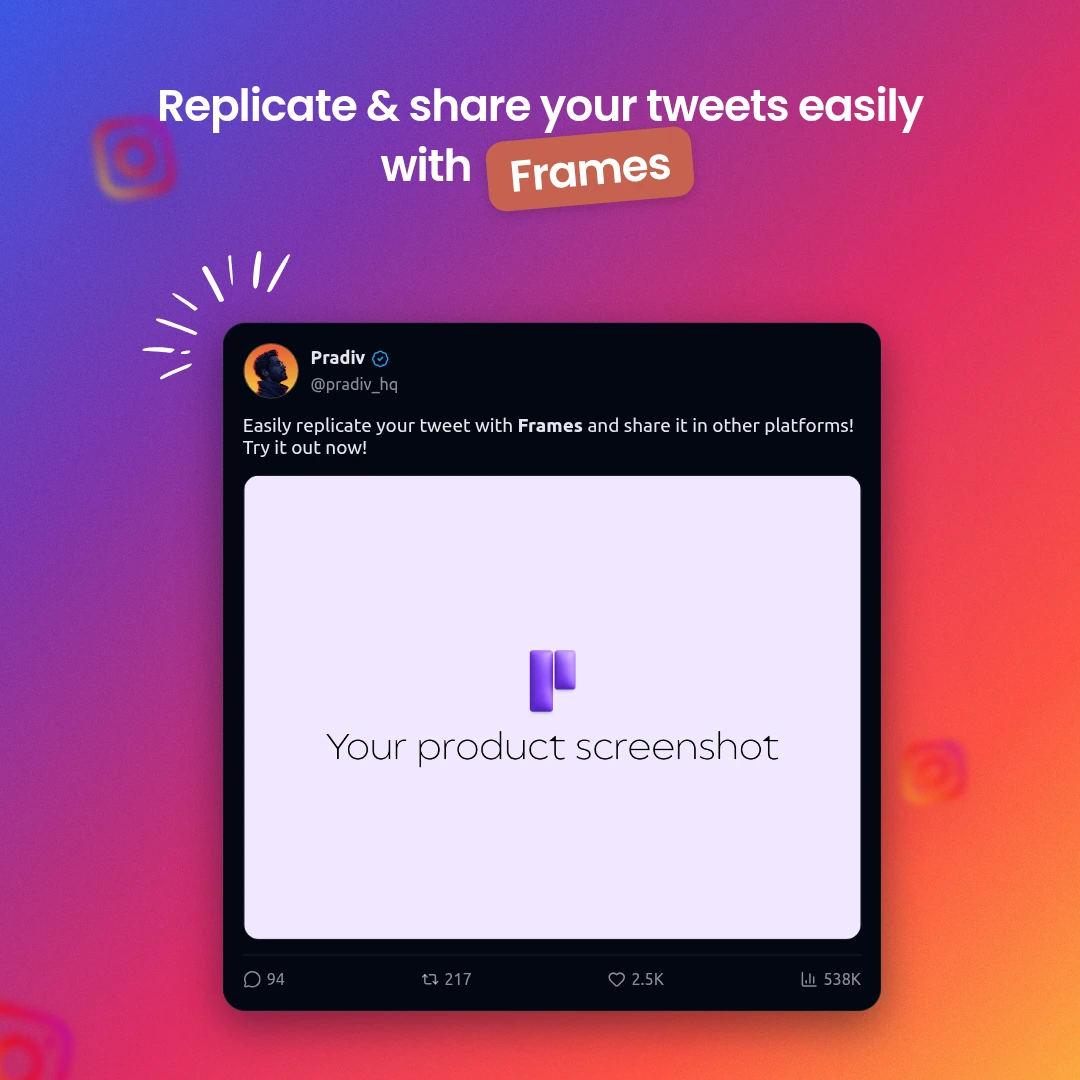 Pro
Pro
Tweet Share Card
Turn a tweet into a polished Instagram graphic.
Use template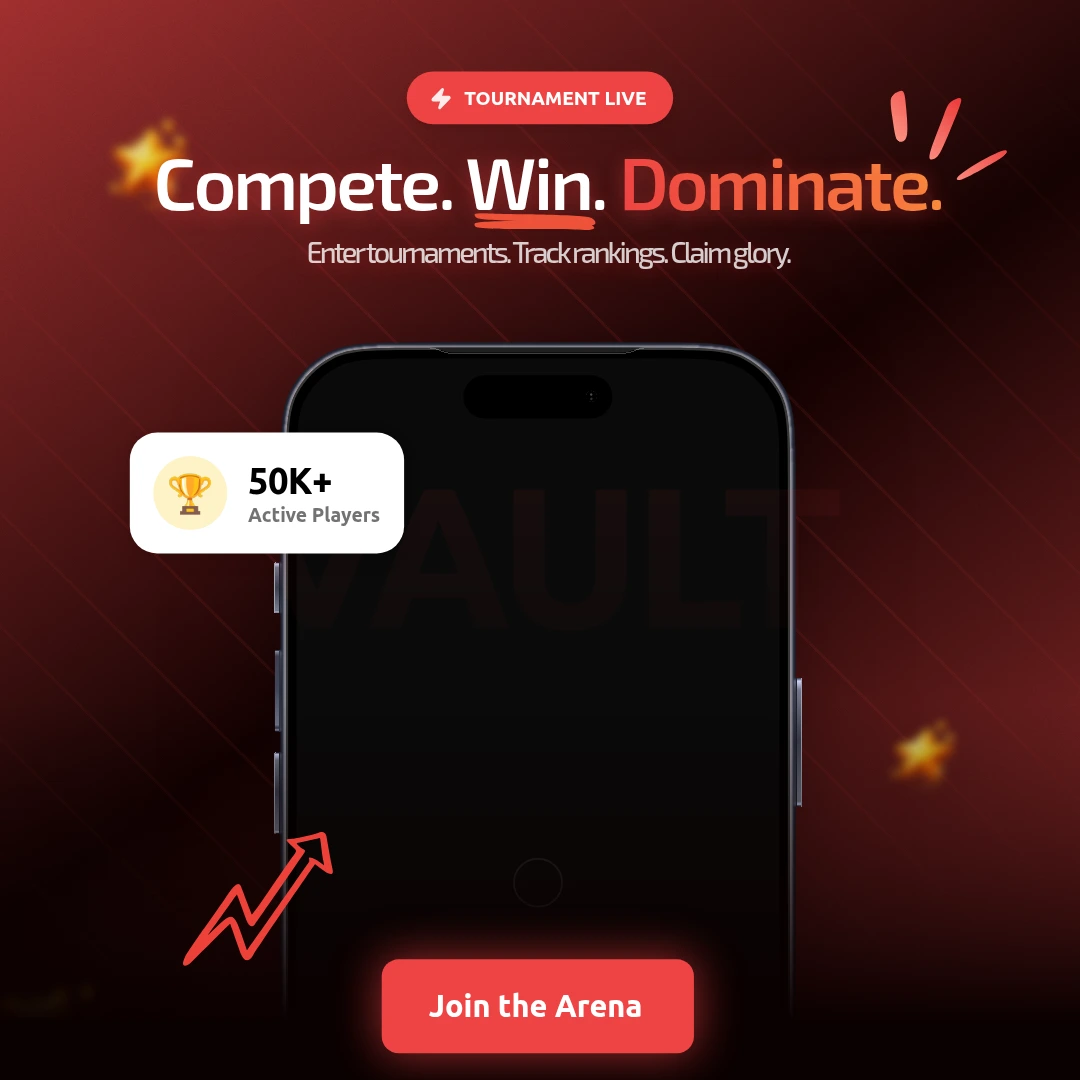
Gaming Tournament
Bold event or tournament announcement poster.
Use templatePerfect for
- Product launch announcements
- New feature update posts
- Milestone celebrations (100 users, $1K MRR)
- Customer review and testimonial shares
- App Store rating celebrations
- IndieHackers and Product Hunt posts
Other Instagram formats
Frequently asked questions
What size is an Instagram post?
Instagram posts use a 1:1 ratio. The recommended size is 1080×1080 pixels. Frames exports at this exact size by default.
Can I use my app screenshot in the post?
Yes. Upload your screenshot directly into the device mockup. It scales automatically to fit.
Can I create Instagram Stories too?
Yes — switch to Instagram Story (1080×1920) in the canvas size selector. All templates reflow for the new dimensions.
Your next Instagram post is 5 minutes away
No credit card required. No design skills needed.
Create Instagram Post Free