MacBook Pro Silver · Mac App Store · Dribbble
Pro
Create SaaS Visuals with
MacBook Pro
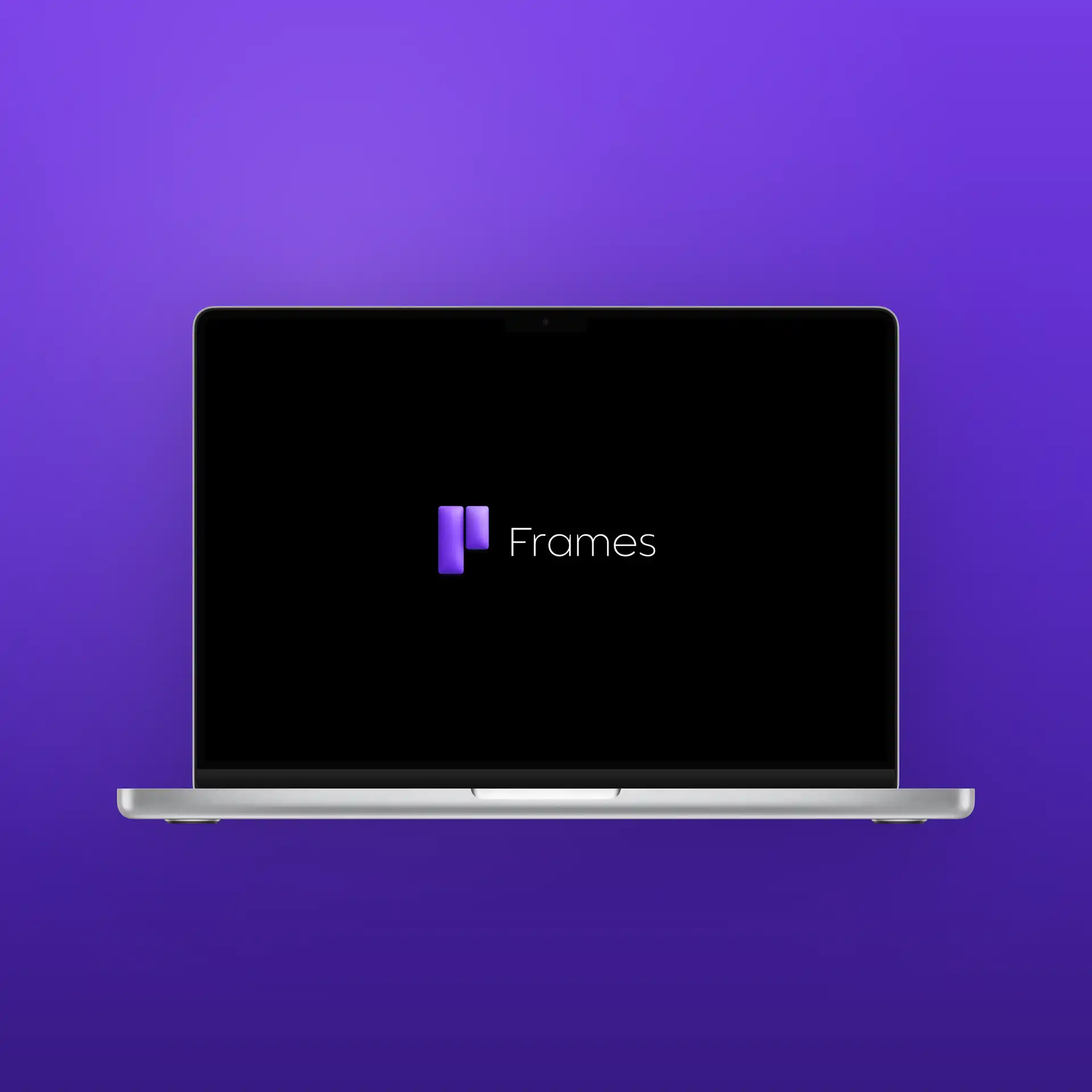
Show off your web app or Mac app in a polished MacBook Pro frame. Perfect for Mac App Store screenshots, Dribbble shots, and launch posters. No Photoshop needed.
Also for: MacBook mockup maker, MacBook Pro mockup, Mac app screenshot.
Perfect for
- Mac App Store screenshots
- Dribbble shots and portfolio showcases
- Web app launch posters
- LinkedIn product demos
- Press kit and media images
- Startup landing page hero
MacBook specs in Frames
Frame model
MacBook Pro Silver
Mac App Store canvas
2880 × 1800 px
Default canvas
Instagram Post (1080×1080)
Supported layouts
Single, side-by-side, stacked
Explore Templates
Frequently asked questions
Is this a MacBook mockup maker?
Frames is a SaaS marketing visual creator that includes a premium MacBook Pro frame. You add your screenshot and background — the result is a polished, export-ready visual, not just a raw mockup.
What size is the Mac App Store canvas?
2880×1800 pixels (16:10 ratio), which matches the MacBook Pro display resolution Apple requires for Mac App Store submissions.
Is the MacBook frame free?
The MacBook Pro frame is a Pro feature. Few templates and basic exports are free.
Can I create a desktop and mobile visual together?
Yes. Use the multi-device layouts in the frame picker to combine MacBook and iPhone in one visual.