Google Play Store · 1080×1920 px · 9:16
Create Play Store Screenshots
for Android
Your Play Store listing is your storefront. Make it convert. Frames gives you real Pixel 10 Pro mockups and cinematic backgrounds to show your Android app at its best.
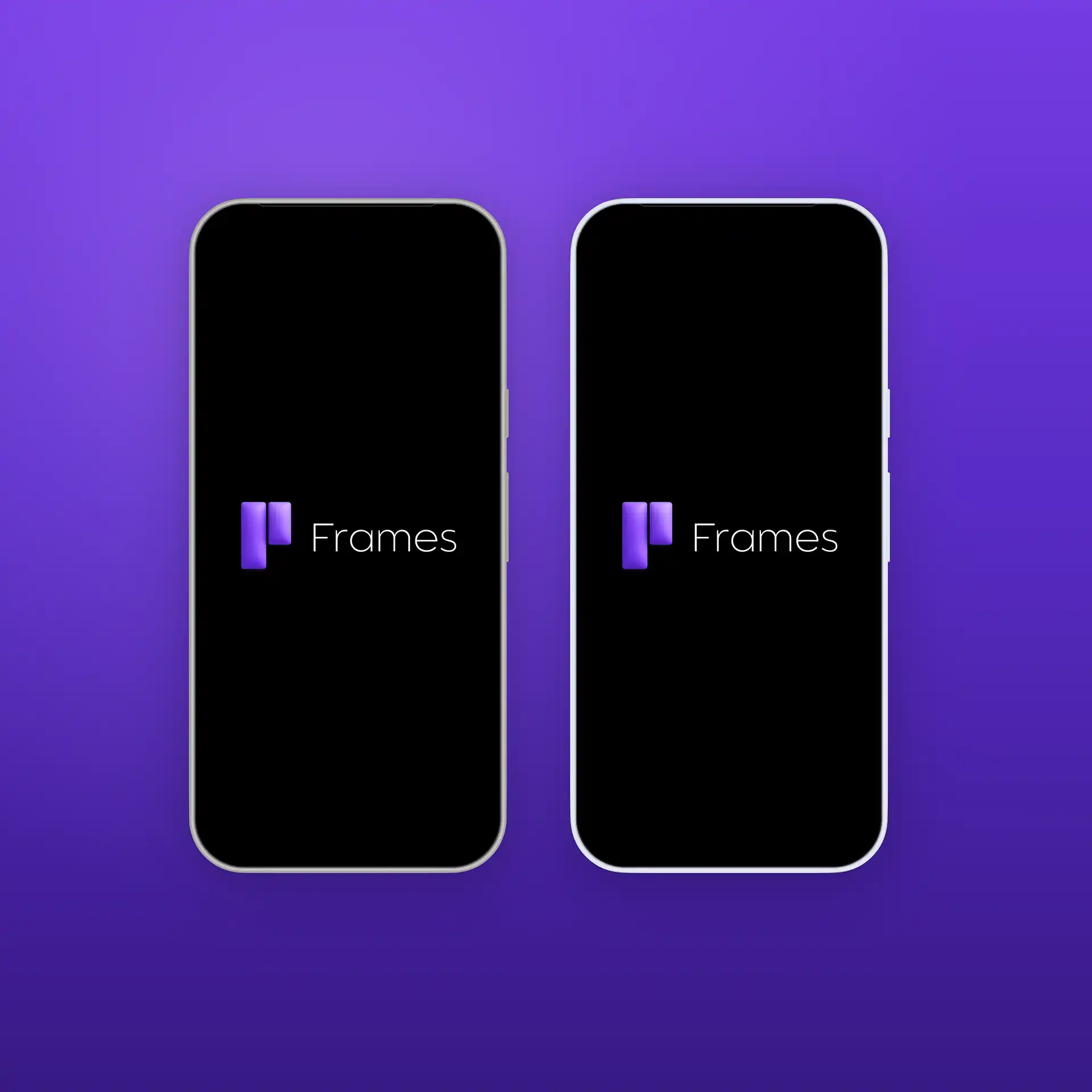
Pixel 10 Pro — 2 colors
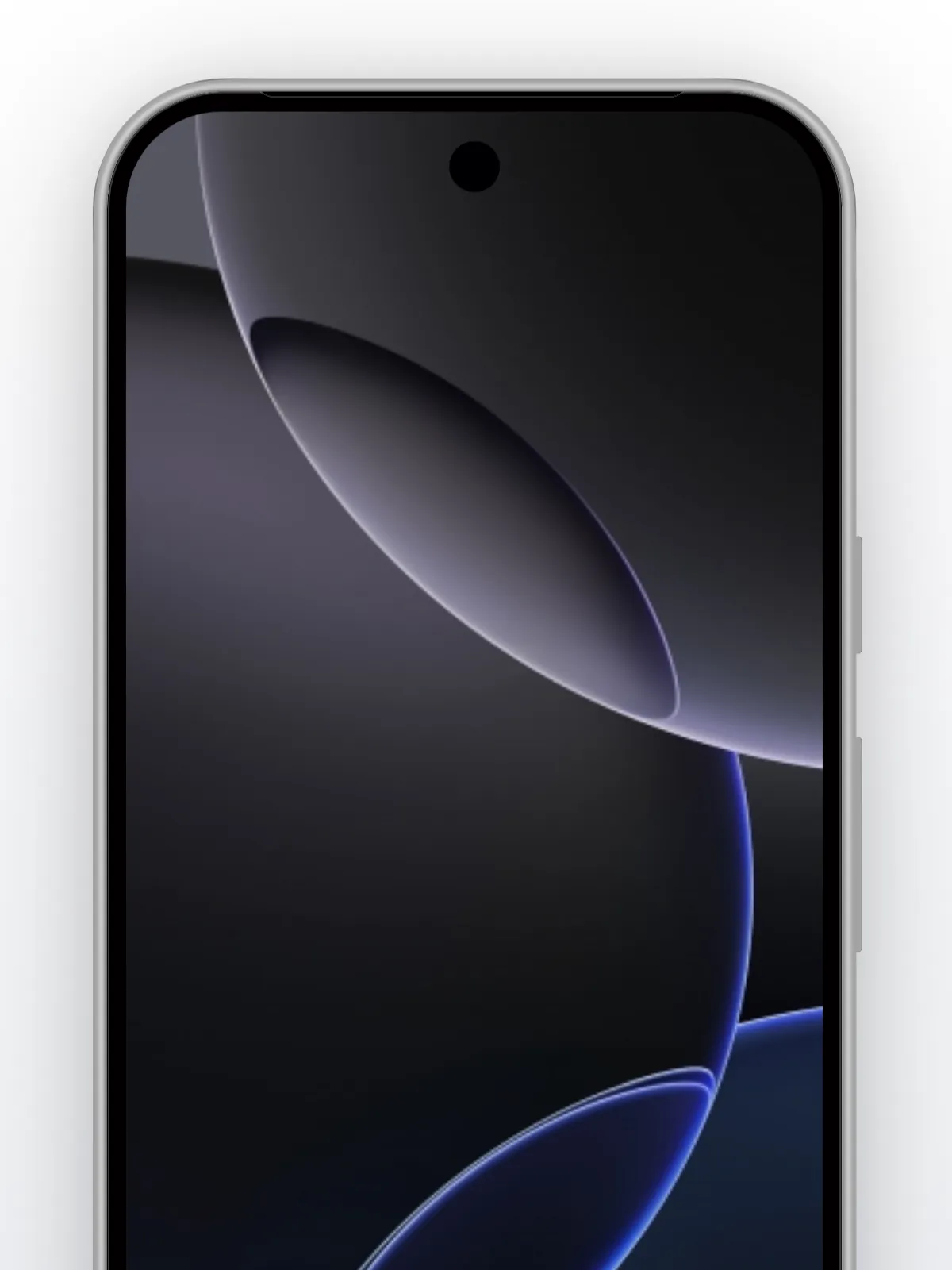
Pixel 10 Pro Obsidian
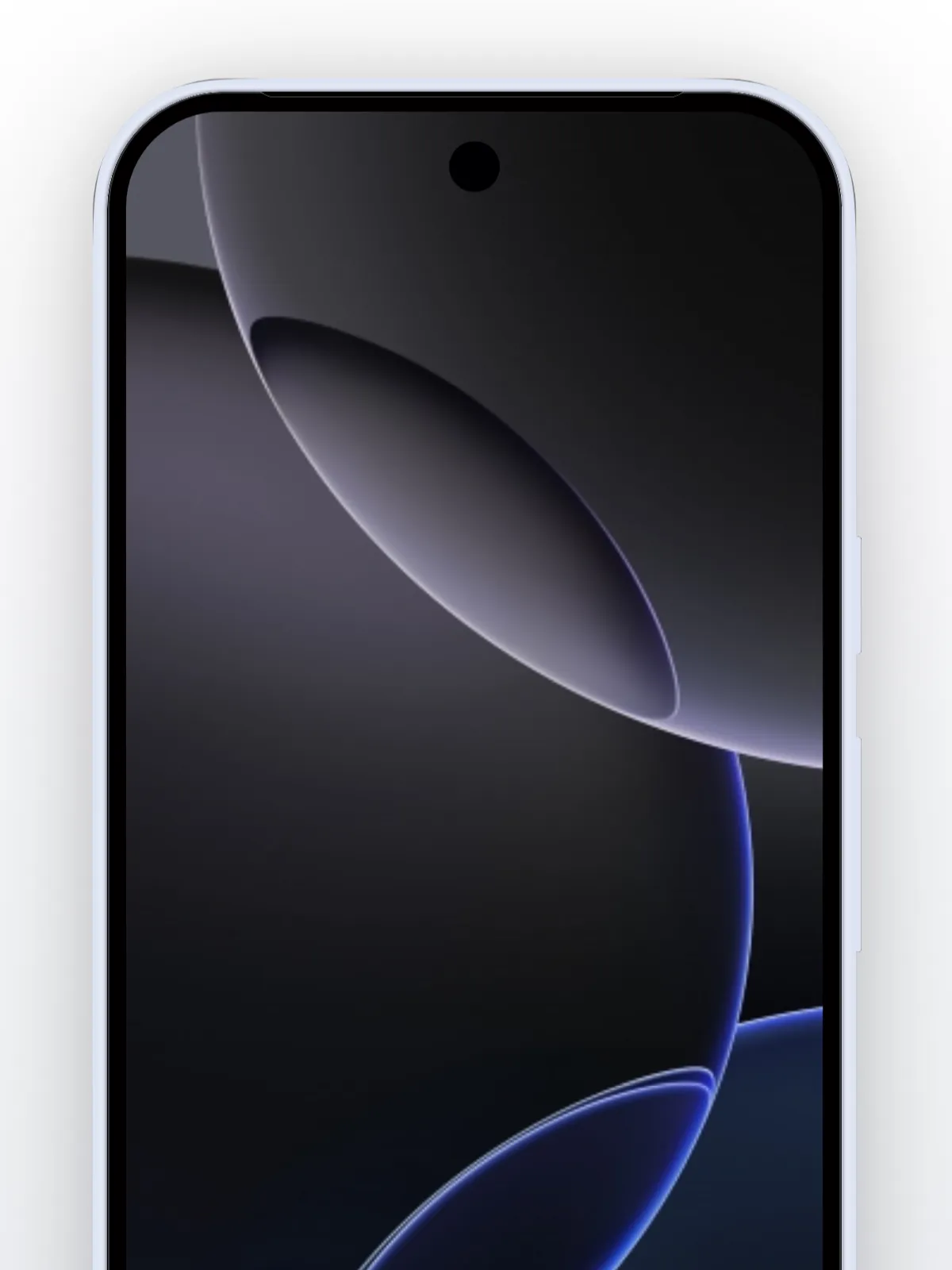
Pixel 10 Pro Moonlight
Google Play Store screenshot sizes
| Format | Size (px) | In Frames |
|---|---|---|
| Android phone (portrait) | 1080 × 1920 | Supported |
| 7-inch tablet | 1200 × 1920 | — |
| 10-inch tablet | 1920 × 1200 | — |
| Chromebook | 1920 × 1080 | — |
Explore templates
Frequently asked questions
What size should Play Store screenshots be?
Google Play requires phone screenshots at a minimum of 320px and maximum of 3840px on the longest side. The recommended size for phone screenshots is 1080×1920 pixels (portrait).
What Android device is included?
Frames includes the Pixel 10 Pro in two colors: Obsidian and Moonlight.
How many screenshots can I create?
As many as you need. There is no limit.
Can I add feature captions to my screenshots?
Yes. Add text components, badges, and labels directly in the editor.
Android screenshots that convert
Free to start. No design skills needed.
Create Play Store Screenshots Free