Twitter / X · 1200×675 px · 16:9
Create Twitter/X Posts
for Your SaaS App
Twitter posts with images get up to 3× more engagement. Make yours count. Frames gives you launch visuals, feature announcements, and milestone posts — ready in minutes.
Canvas
1200 × 675 px
Ratio
16:9
Export
PNG / JPG

Explore Templates
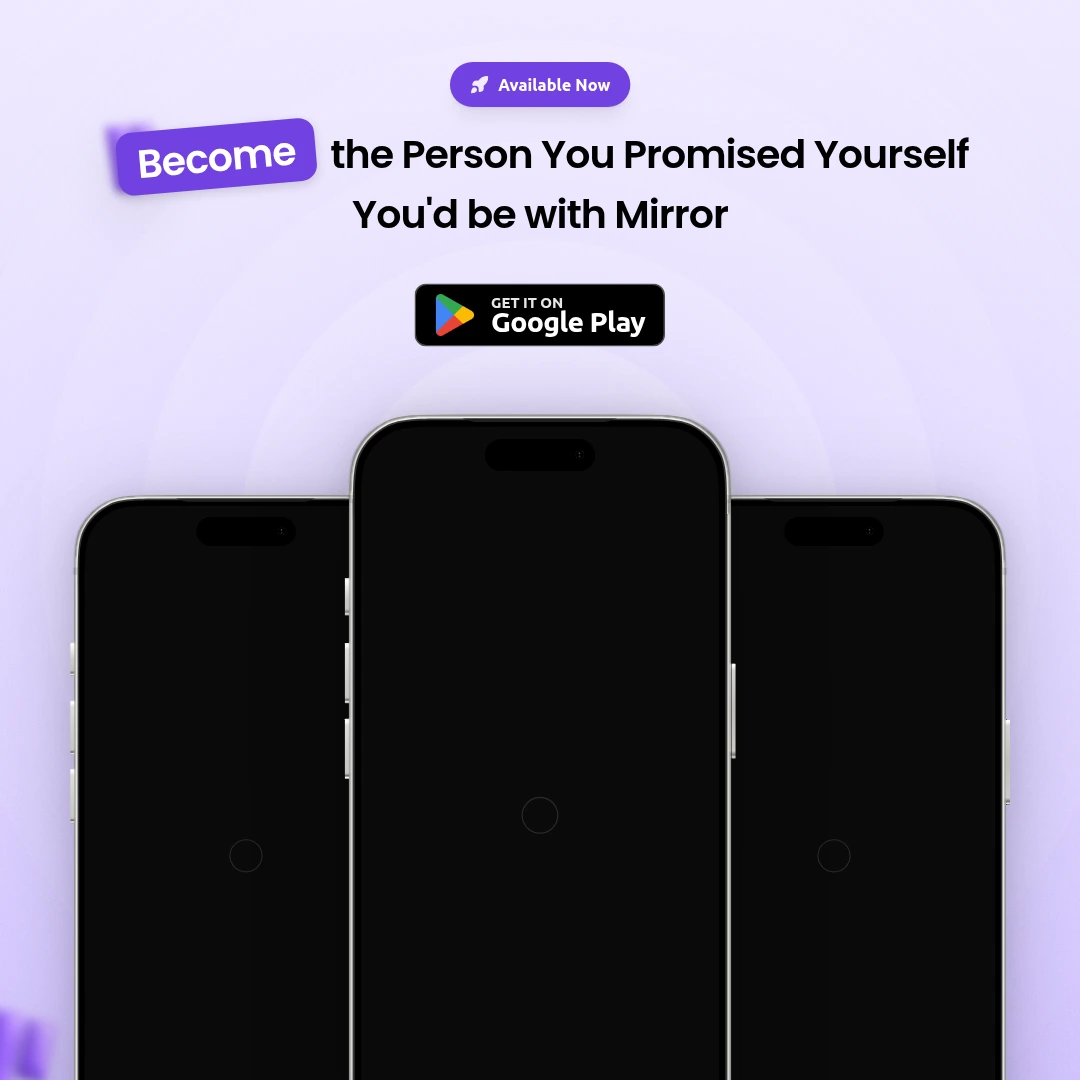
Launch Poster
Announce your launch to your X followers.
Use template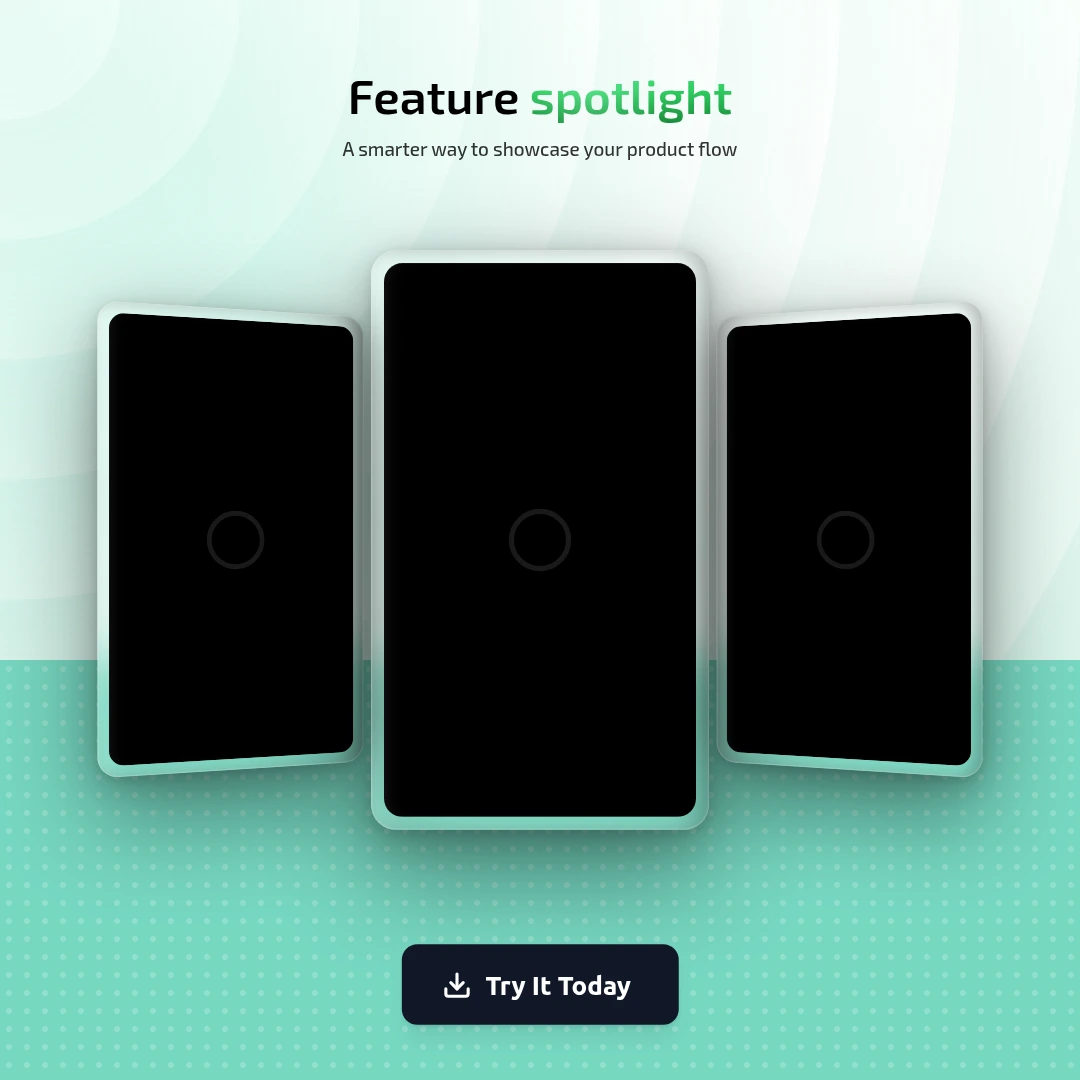
Feature Highlight
Drop a feature announcement thread.
Use template Pro
Pro
Milestone
Share your growth milestone.
Use template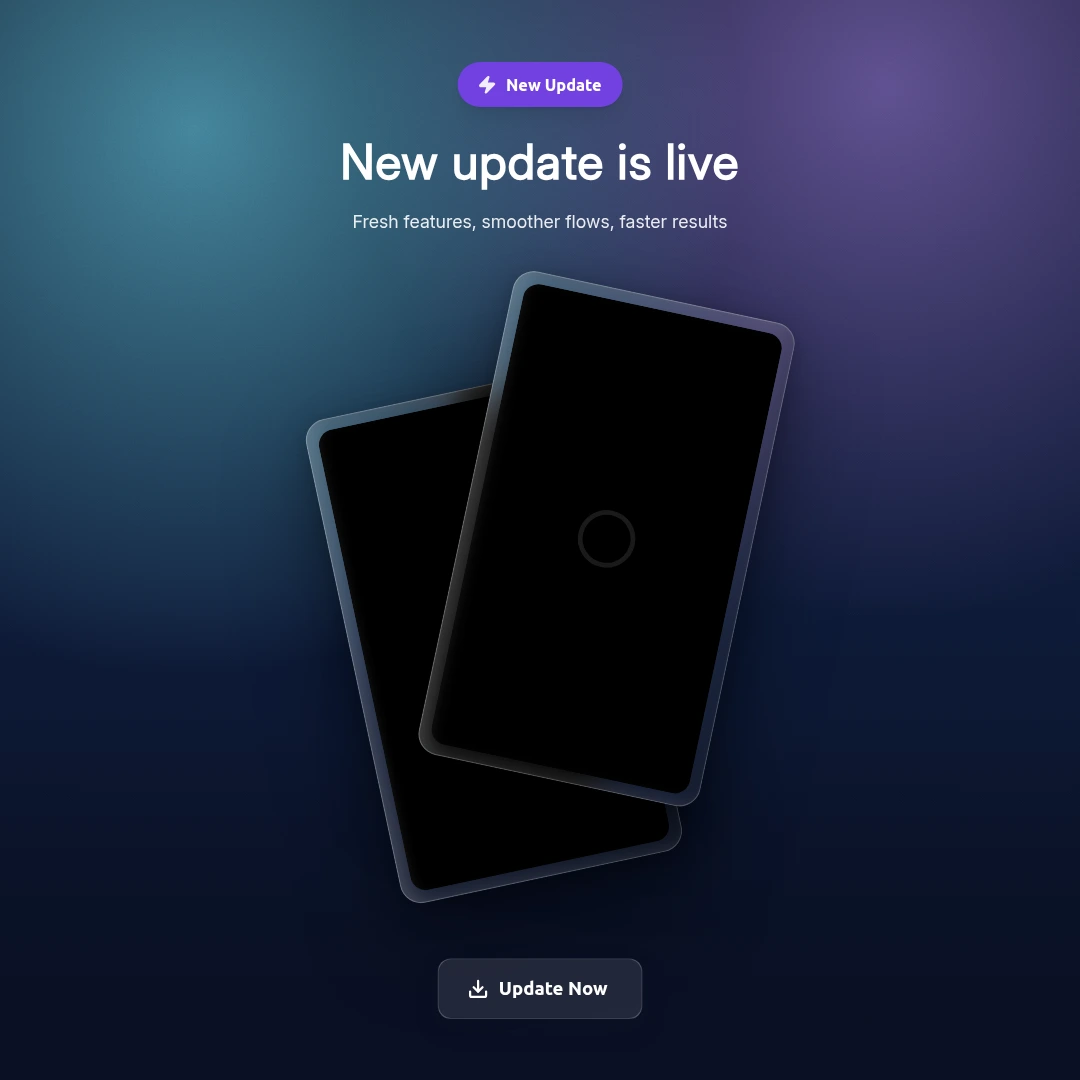
New Update
Post a changelog or new release.
Use template Pro
Pro
Tweet Share Card
Reshare your tweet as a polished visual.
Use templateFrequently asked questions
What size should Twitter/X post images be?
Twitter/X displays images at 1200×675 pixels (16:9). Frames uses this as the X Post canvas size by default.
Can I create a Twitter cover image too?
Yes. Switch to the X Cover canvas (1500×500) in the size selector.
How do I add my screenshot?
Upload your screenshot directly into the device mockup frame. It fits automatically.
Can I turn a tweet screenshot into a shareable visual?
Yes — use the X Post Card frame in the editor to create a stylized repost of your tweet.