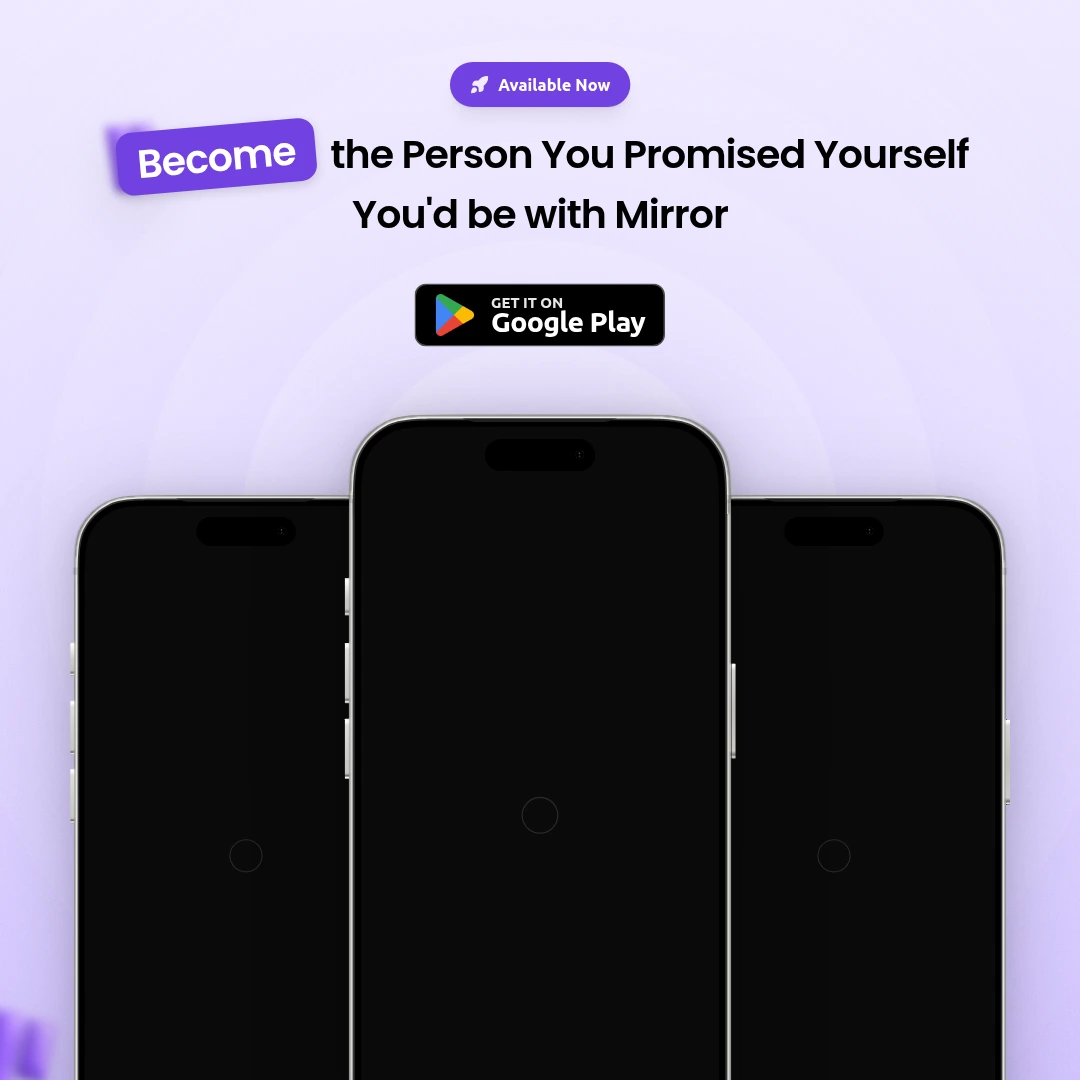
Instagram Post Card · share as image
Turn Your Instagram Post
into a Marketing Visual
Got a great Instagram post you want to share on Twitter or LinkedIn? The Instagram Post Card frame in Frames lets you embed your post into a polished marketing visual in minutes.
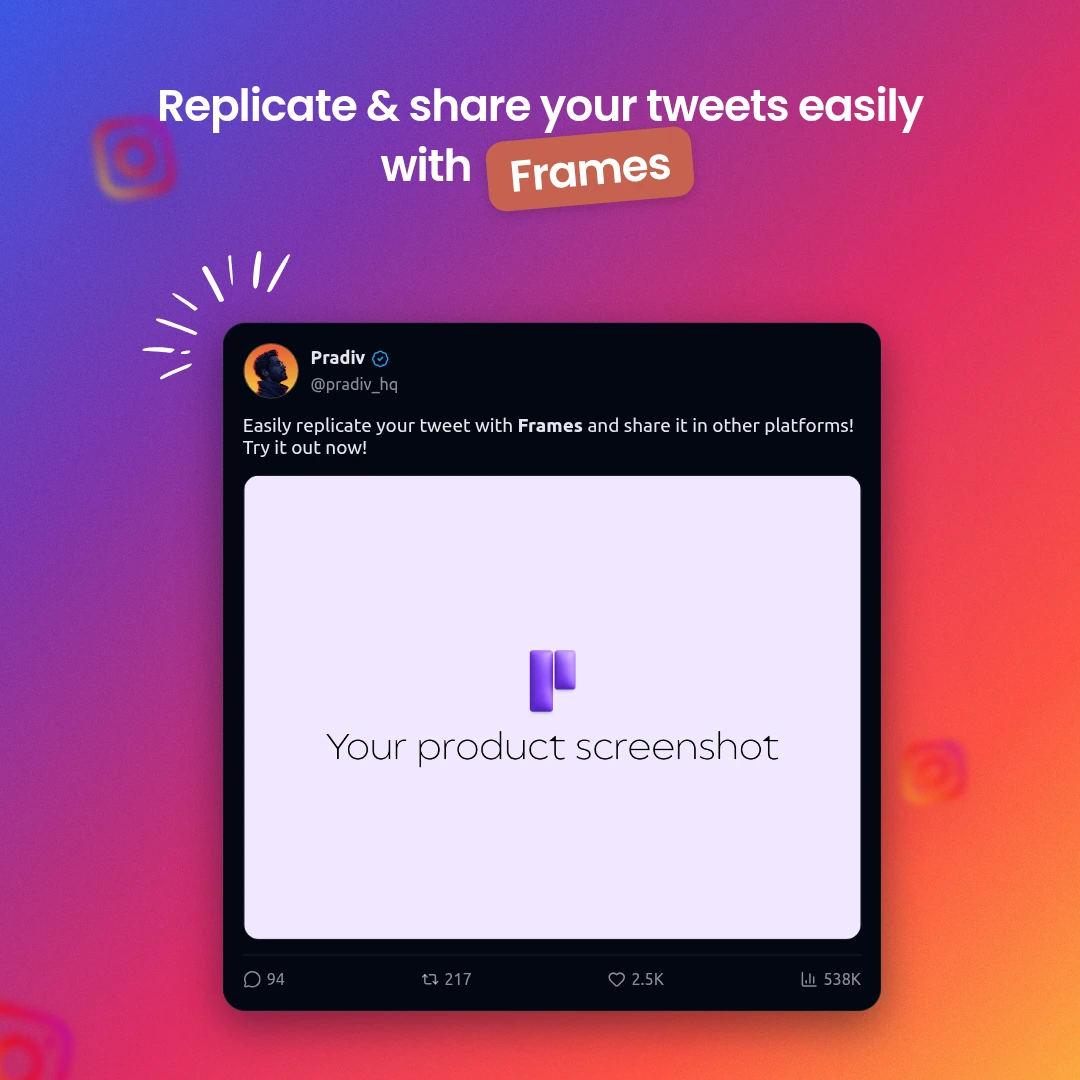
Why cross-post your Instagram?
- Repurpose your best performing Instagram content
- Reach audiences on Twitter, LinkedIn, and Threads
- Preserve your milestone posts as permanent assets
- Share app launch announcements across platforms
- Increase content reach without extra effort
How to do it
-
1
Screenshot your Instagram post
Use your browser or phone to screenshot the post.
-
2
Open the editor and add Insta Post Card frame
Pick the Instagram Post Card layout from the frame picker.
-
3
Upload your screenshot into the frame
Drop your screenshot in — it positions automatically.
-
4
Choose a backdrop and export
Pick a background and download as PNG or JPG.