Feature Announcement
Graphic Maker
Every new feature deserves a moment. Create a polished announcement graphic that makes your changelog post stand out in a crowded feed.
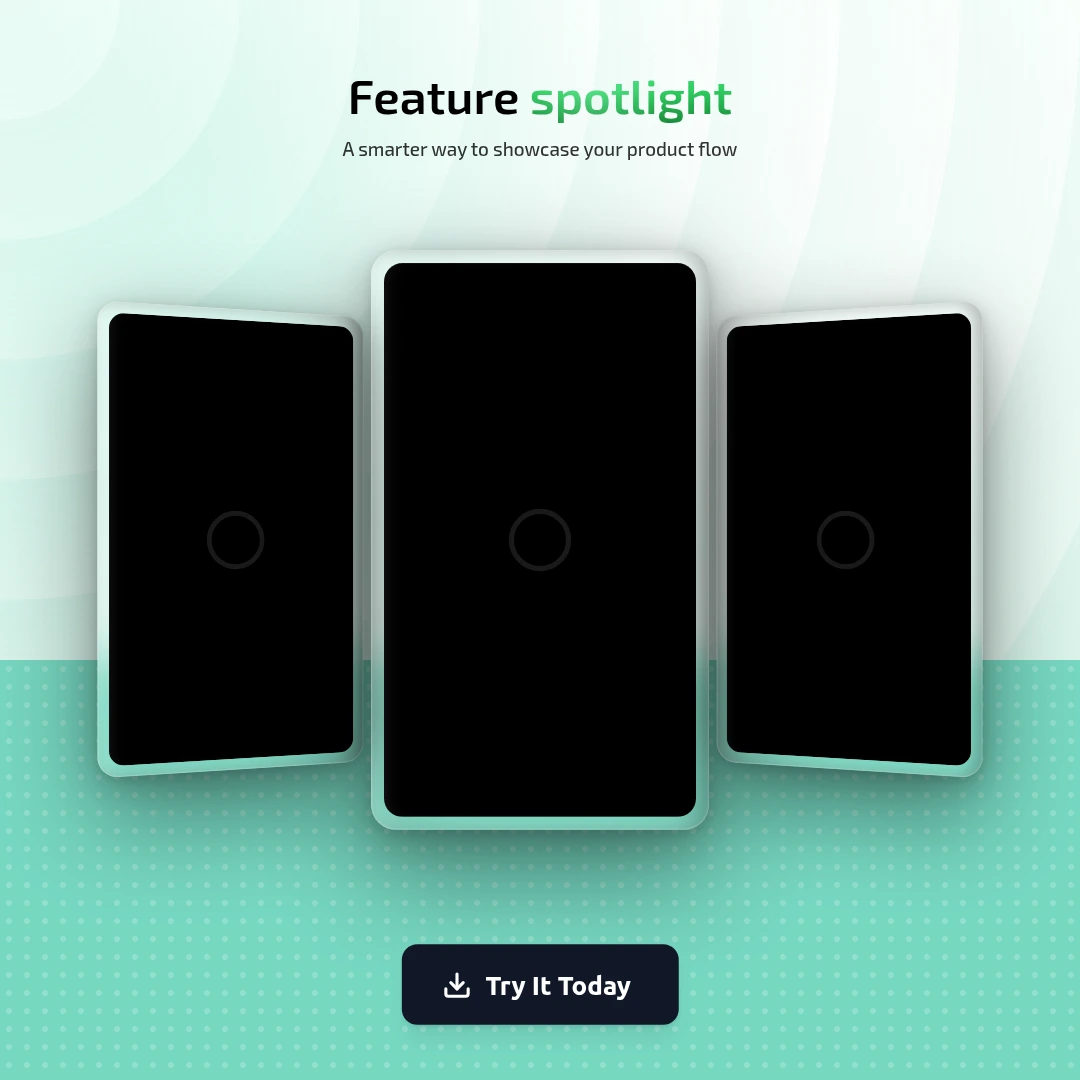
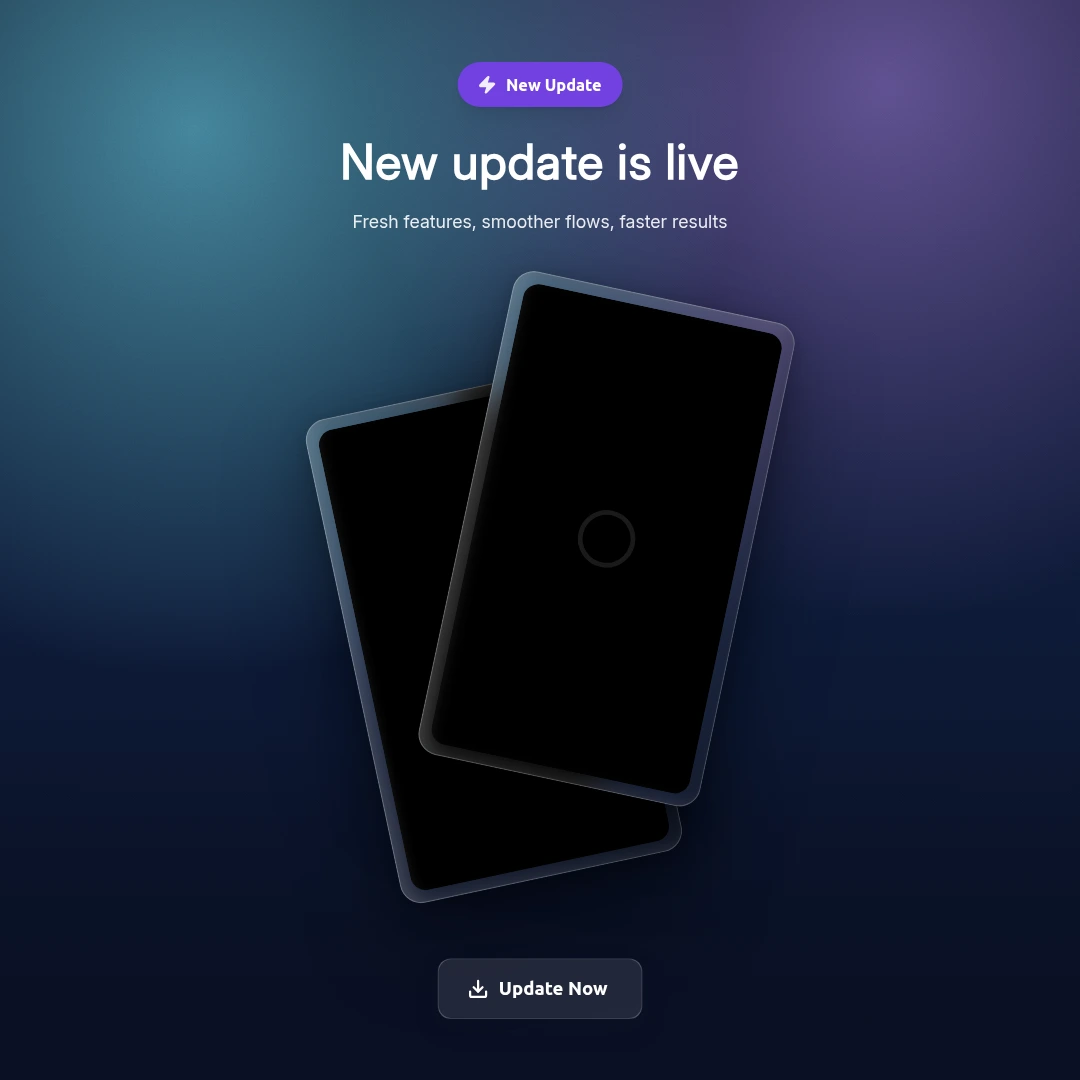
Two templates — pick the right one
Feature Highlight
Best for showcasing a single, specific feature. Clean, focused layout that puts your screenshot front and center.
- Single feature spotlight
- Clean minimal layout
- Strong screenshot focus
- Works for any feature type
New Update Poster
Best for version releases and multi-feature updates. Richer layout that can surface multiple improvements at once.
- Version release announcement
- Multi-feature changelog post
- Richer, more detailed layout
- Chat-style update visuals
Frequently asked questions
Which template is better for a changelog post?
Use New Update Poster for version releases with multiple changes. Use Feature Highlight when you want to draw attention to one specific, high-impact feature.
Can I include a before/after comparison?
Yes. Use the side-by-side or stacked frame layouts to show two states of your app.
What platforms are these sized for?
The default is Instagram Post (1080×1080). Switch to any platform size — Twitter, App Store, YouTube, etc. — using the canvas size picker.
Do I need to design from scratch?
No. Pick the template, upload your screenshot, edit the text, and export. Under 5 minutes.
Every feature deserves a great announcement
Free to start. No design skills needed.
Create Feature Graphic Free